





Remote desktop software built for your unique needs.
Remote Desktop Software
-
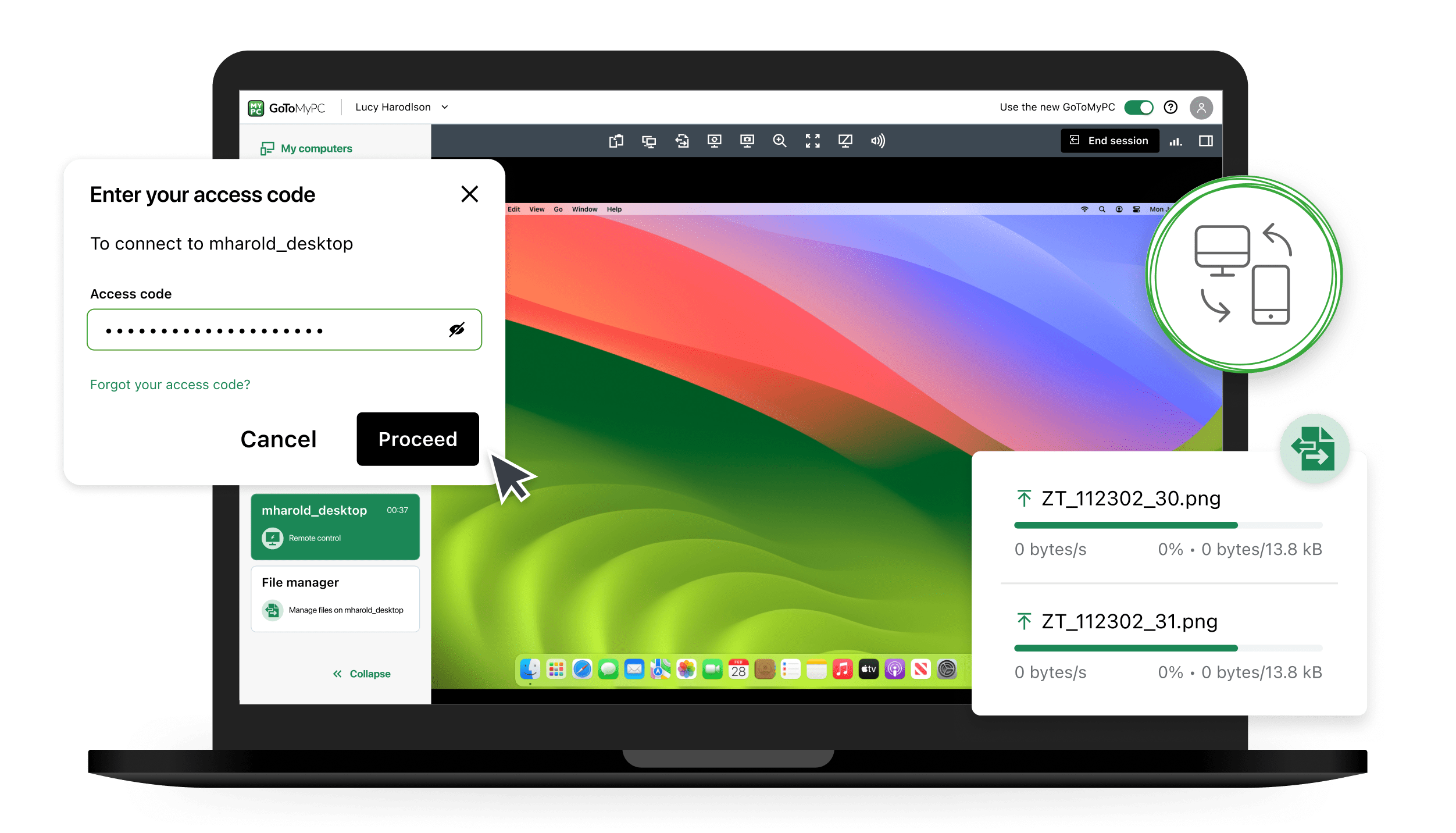
Easily, securely transfer and sync files and folders between devices.
-
Navigate host computers effortlessly, accessing multiple monitors and synchronizing clipboards.
-
Perform critical actions like rebooting and reconnecting, and responding to User Access Control (UAC) prompts for tasks requiring admin rights.
-
Send documents to the printers connected to your remote or local PC.
-
Listen to the audio played on the host computer.
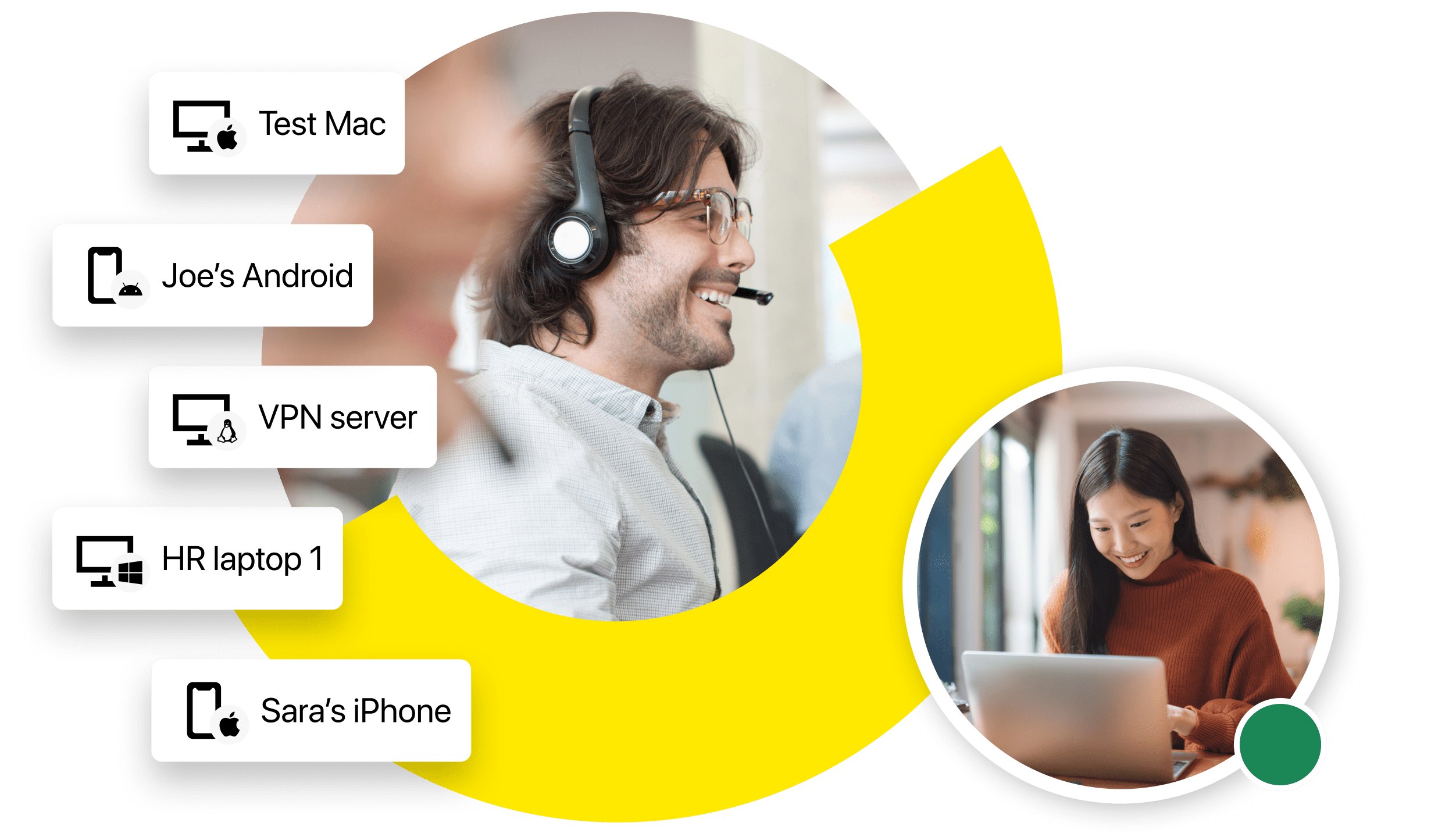
Remote Desktop Software
Multi-Platform Capabilities
Zero Trust Security
Real-Time Diagnostics
LogMeIn Resolve: Remote desktop & IT management software for SMBs and MSPs
LogMeIn Resolve offers best-in-class remote desktop functionality for small to medium-sized businesses and MSPs, empowering IT teams to streamline operations while improving efficiencies with IT automation, asset management, and MDM.
-
All-in-one IT support: Manage remote computer access, automate tasks, and access devices—all in a single, easy-to-use solution.
-
Native remote access: Built-in remote desktop tools ensure fast, seamless troubleshooting.
-
Cost-effective IT operations: Consolidate your IT management tool stack onto a single platform designed for growing businesses.
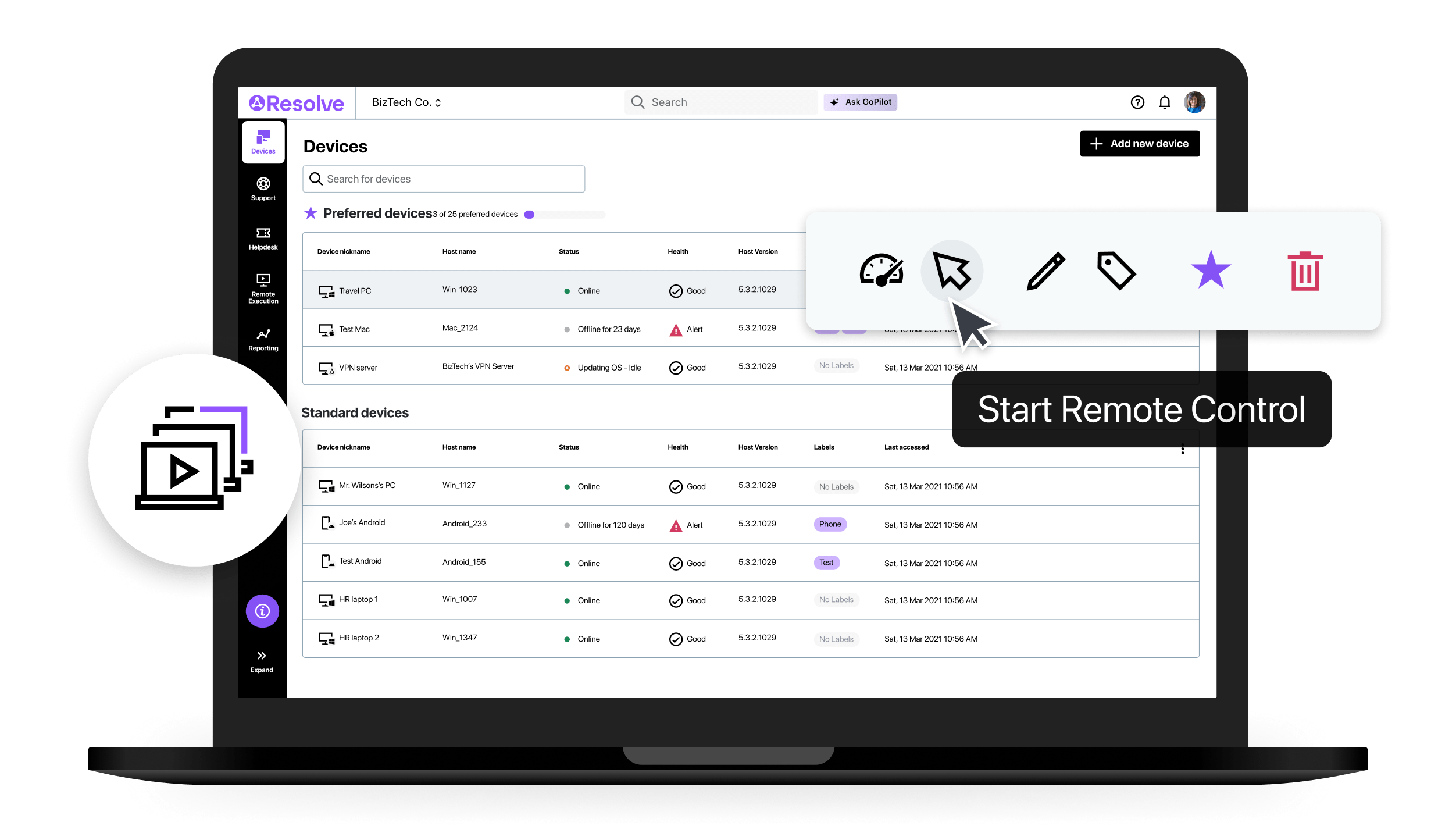
GoToMyPC: Remote desktop access for entrepreneurs and consultants
GoToMyPC is the best remote desktop solution for solo entrepreneurs, consultants, and independent professionals who need secure, instant access to their work computers from anywhere. Stay easily connected to your essential files and applications even when working from another location.
Access your computer from anywhere. Instantly connect to your office or home desktop and work as if you’re right in front of it, from any location.
Easy, self-service setup. Get started in minutes with a simple installation—no IT expertise required.
Transfer files with ease. Seamlessly move files between your devices without the need for email or external drives.
High-speed, reliable connections. Experience smooth performance and fast screen responsiveness every time you log in.
Work across all your devices. Securely access your computer from Windows, Mac, iPhone, iPad, or Android devices.
- Keep your data protected. Every session is safeguarded with 256-bit AES encryption, two-factor authentication, and trusted device verification.
Don’t take our word for it. See what our customers love about LogMeIn.
What is remote desktop software?
What's the difference between remote access and remote desktop?
Can I connect to my desktop computer from my iPad or iPhone with LogMeIn?
What devices does LogMeIn’s remote desktop software work with?
Is LogMeIn a secure remote desktop access platform?
